New to Roomsy? Start here
Follow these in order and you’ll be taking bookings by the end. Each step builds on the one before it.
- 1Getting started with RoomsyCreate your account, sign in, find your way around the app, and follow the setup checklist that gets you to your first booking.
- 2Set up your propertyProperty details, room types and rooms, taxes, charge types, payment types and policies: the foundation everything else in Roomsy is built on.
- 3Rate plans and pricingCreate rate plans for your room types, set nightly prices and restrictions in the rate calendar, and add extras like breakfast or parking.
- 4Create a bookingTake a reservation from the booking calendar: a single room, a walk-in, or a group of rooms on one master invoice.
- 5Invoices and paymentsAdd charges and payments to a guest’s invoice, split bills with folios, refund or void, bill groups on one master invoice, and email or print it.
- 6Set up the online booking engineTake commission-free direct bookings: switch on your booking engine, put it on your website, choose what guests see, and offer discount codes.
Popular questions
Straight answers to what hoteliers ask us most, each with the steps to do it in Roomsy. New to a term? Look it up in the hotel glossary.
- What is a hotel PMS?
- What is a night audit?
- What is a channel manager?
- How do I stop double bookings between Booking.com and Airbnb?
- How do I calculate occupancy, ADR and RevPAR?
- What is a hotel booking engine?
- What is a guest folio?
- What do hotel room statuses mean?
- What is a rate plan?
- What do CTA and CTD mean?
- How do I take a deposit?
- How do I charge a Booking.com virtual card?
Get set up
Create your account and build the foundation: property details, rooms, taxes, rates and your team.
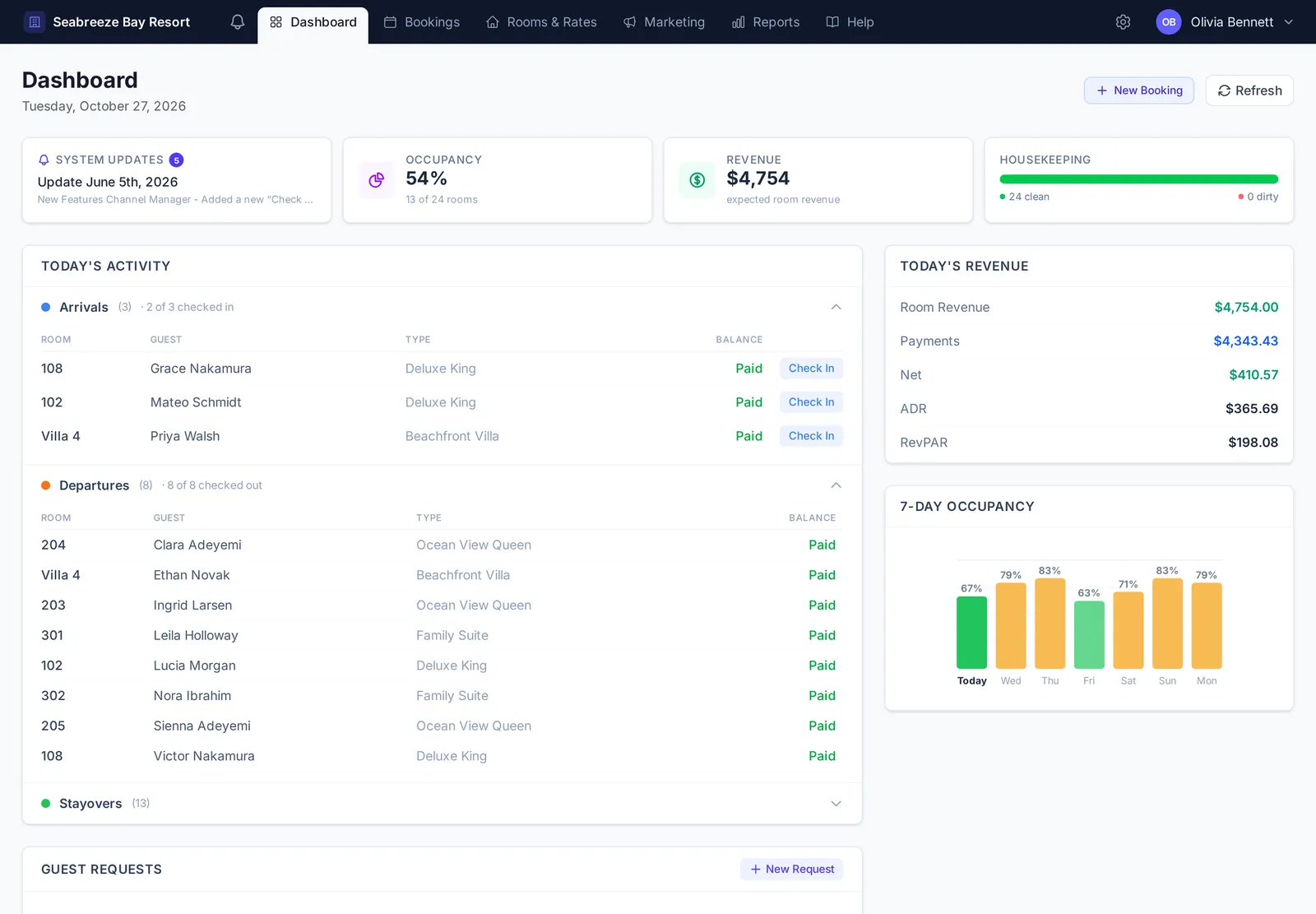 Getting started with RoomsyCreate your account, sign in, find your way around the app, and follow the setup checklist that gets you to your first booking.
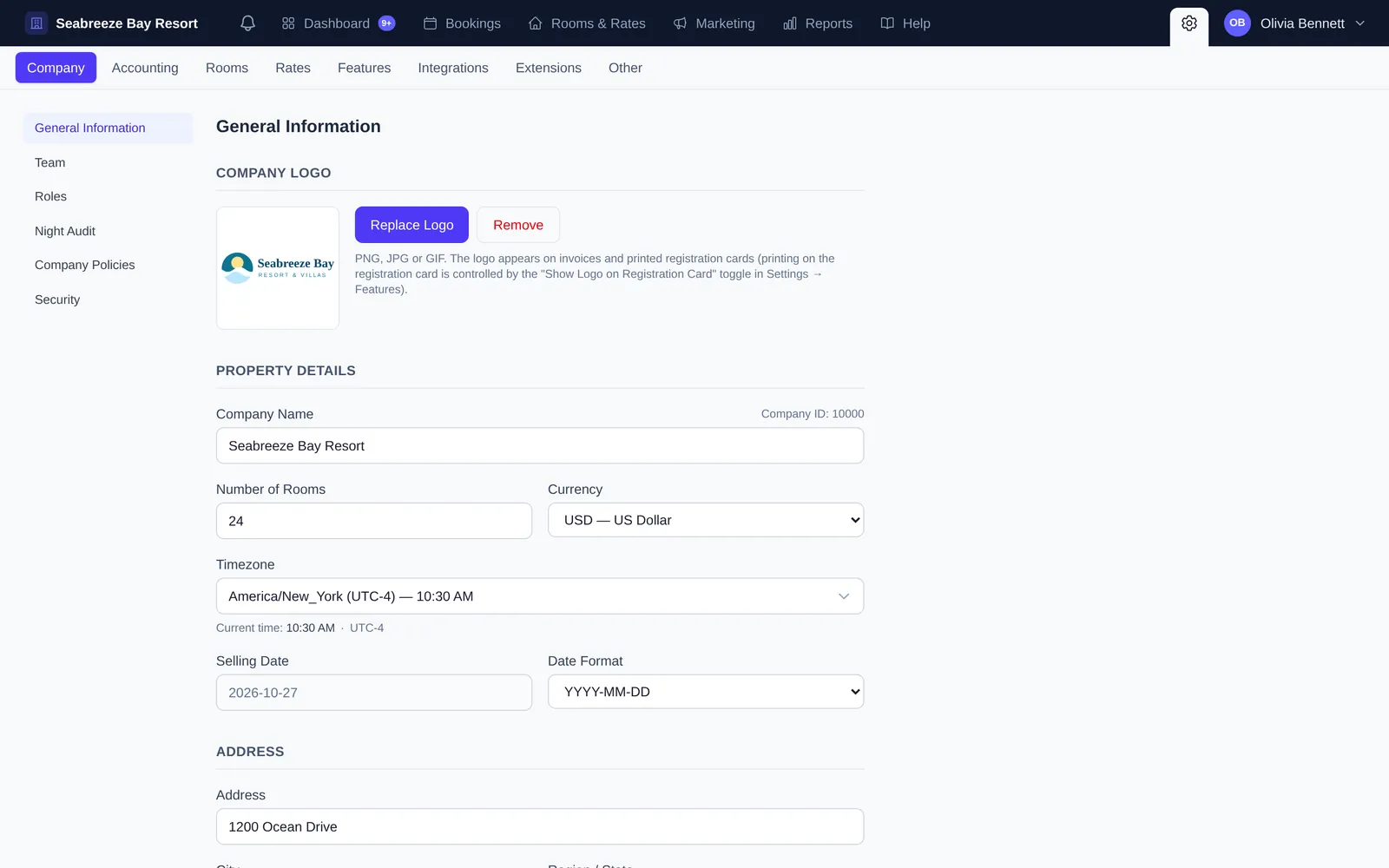 Set up your propertyProperty details, room types and rooms, taxes, charge types, payment types and policies: the foundation everything else in Roomsy is built on.
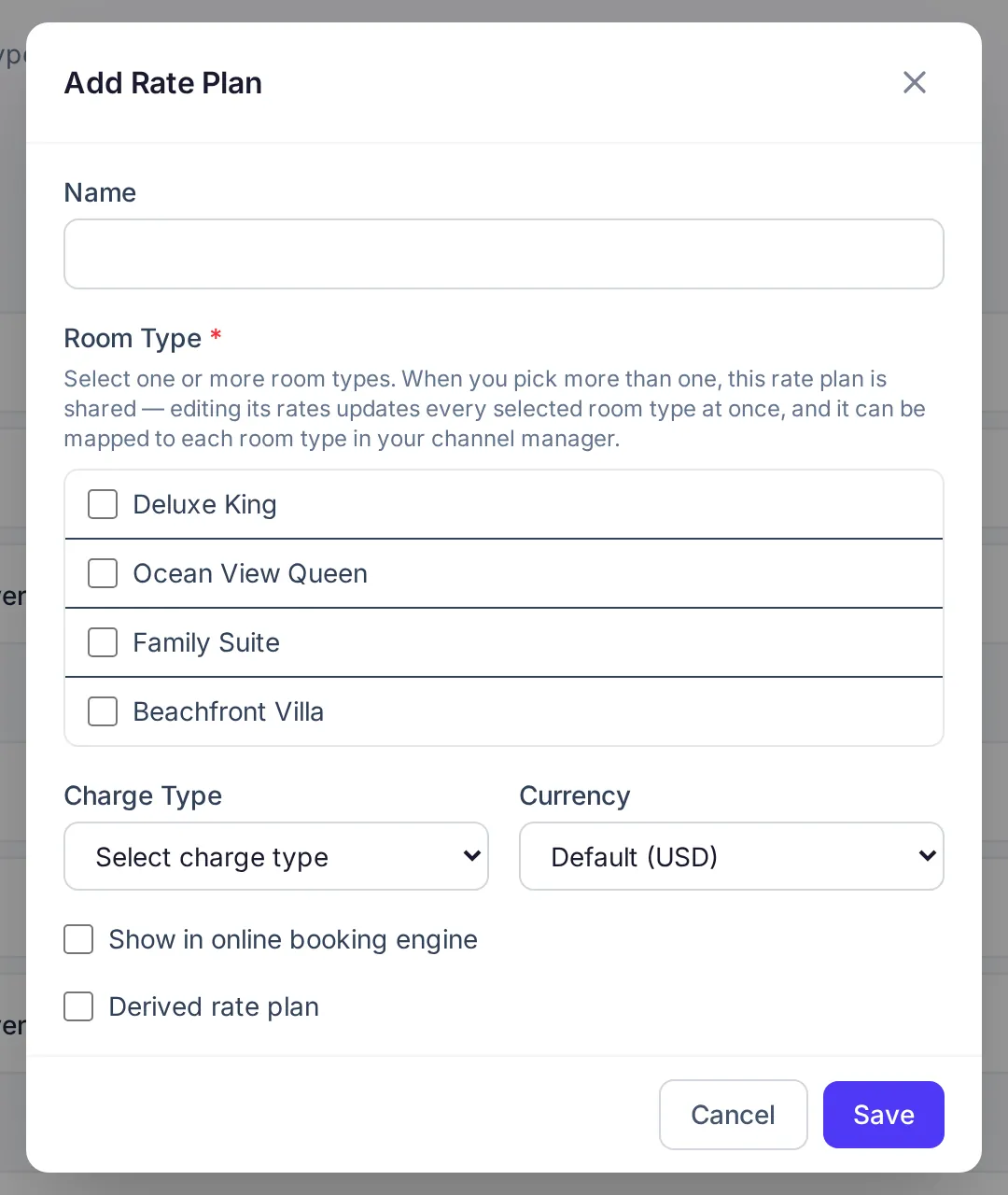 Rate plans and pricingCreate rate plans for your room types, set nightly prices and restrictions in the rate calendar, and add extras like breakfast or parking.
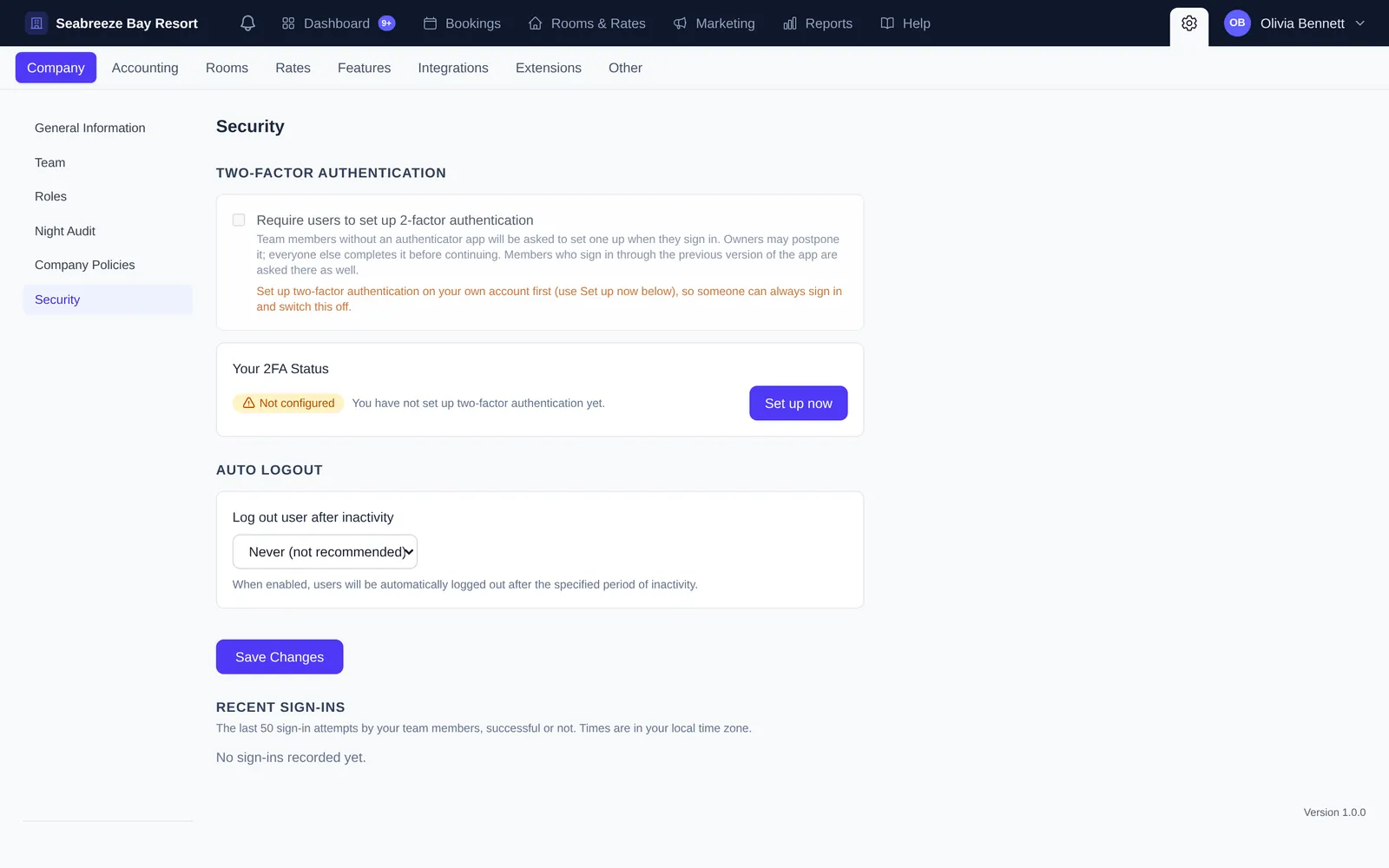 Team, roles and securityInvite your staff, decide what each role can see and do, and protect your account with two-factor authentication and automatic logout.
Run the front desk
The everyday work: taking bookings, checking guests in and out, invoicing, housekeeping and closing the day.
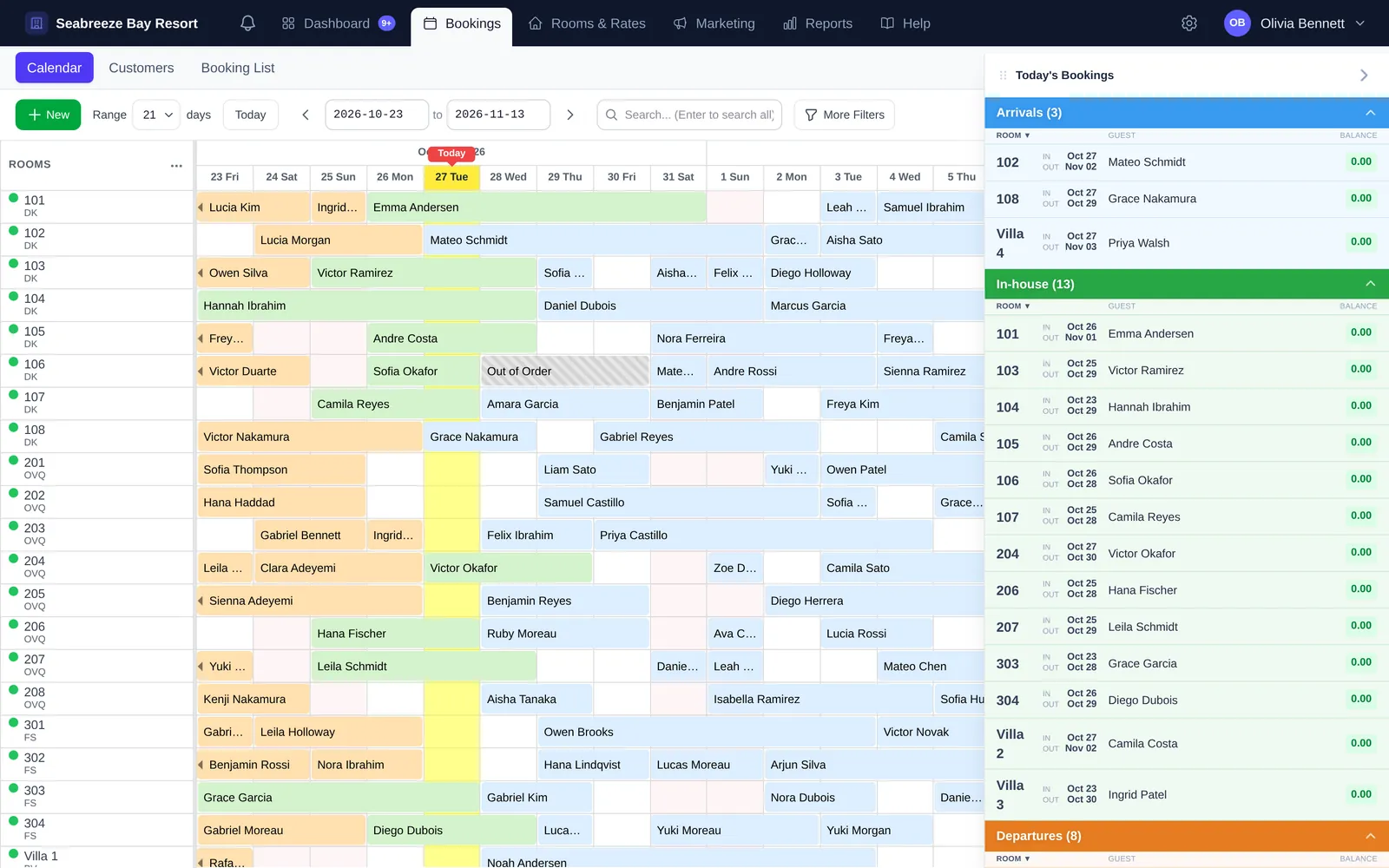 Create a bookingTake a reservation from the booking calendar: a single room, a walk-in, or a group of rooms on one master invoice.
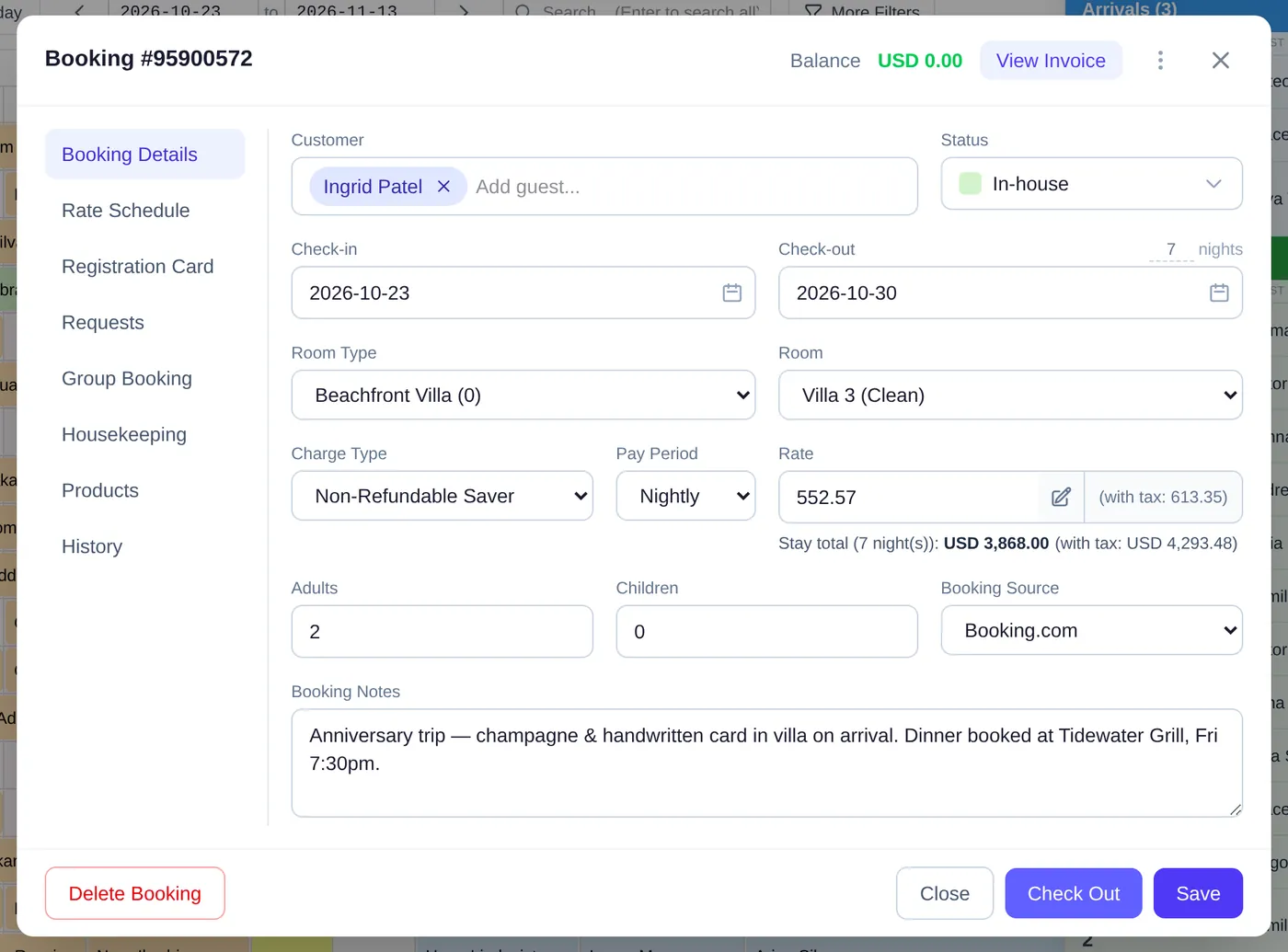 Manage bookings and guestsEdit a stay, move a guest to another room, check guests in and out, handle cancellations and no-shows, and keep guest profiles tidy.
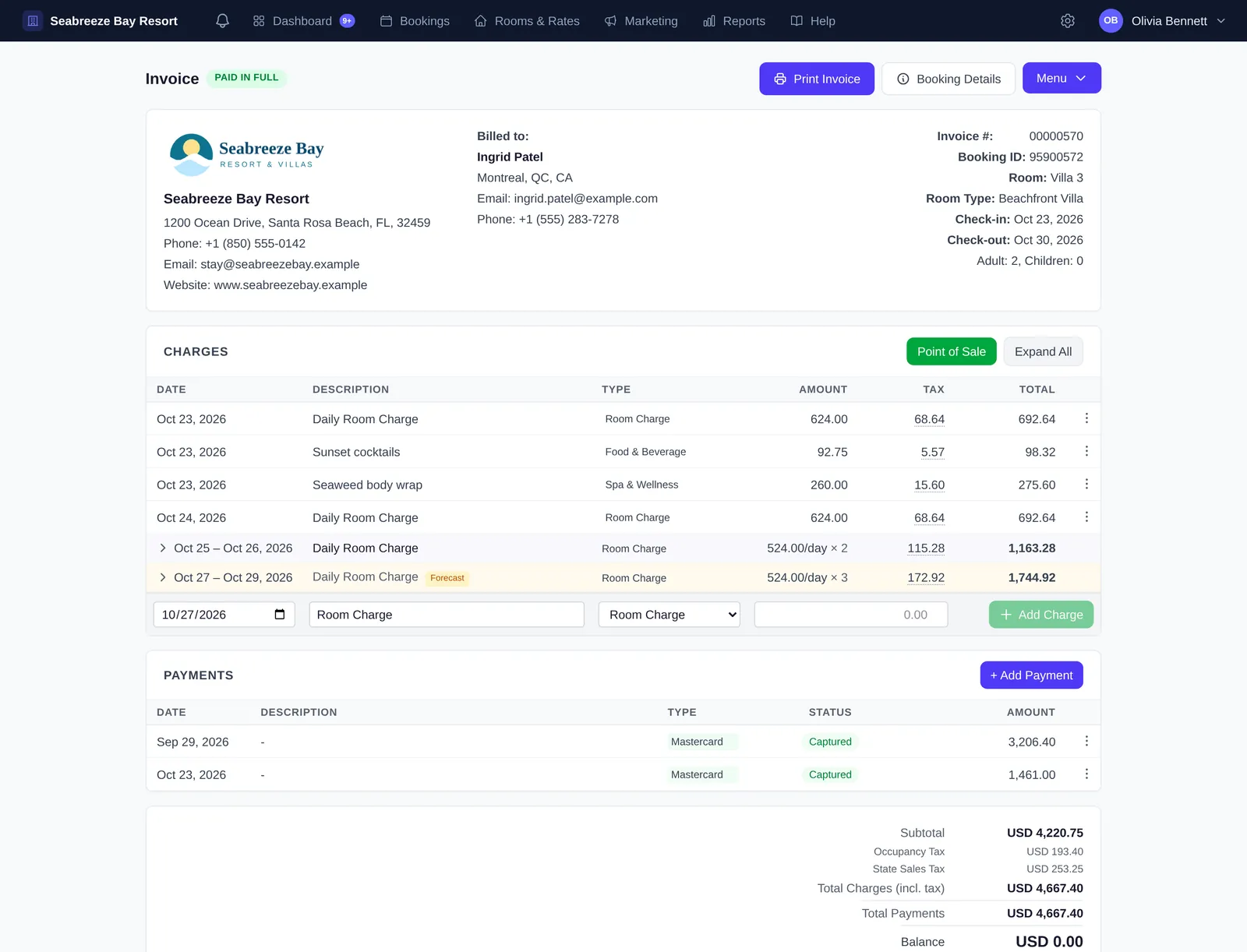 Invoices and paymentsAdd charges and payments to a guest’s invoice, split bills with folios, refund or void, bill groups on one master invoice, and email or print it.
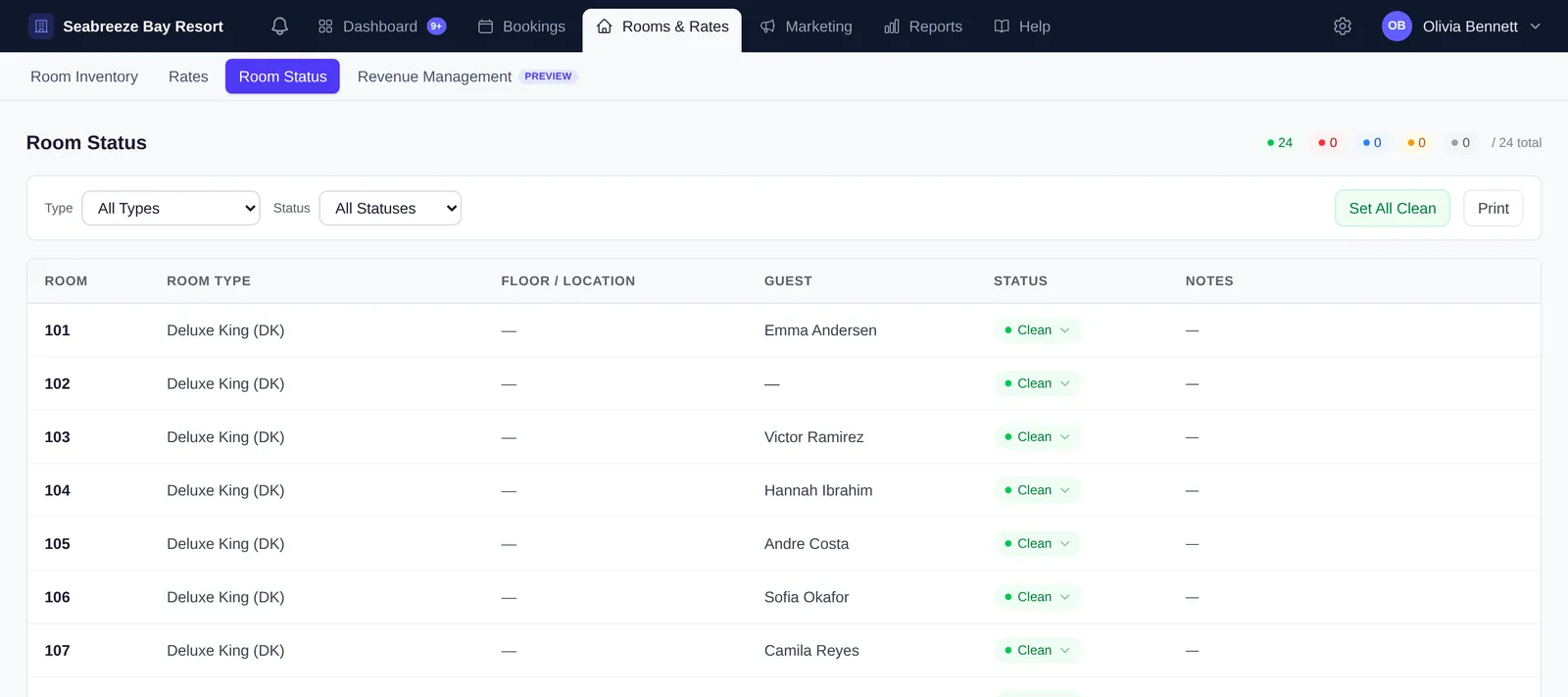 Housekeeping and room statusTrack which rooms are clean, dirty, inspected or out of order, plan housekeeping for the day, and see real availability by room type.
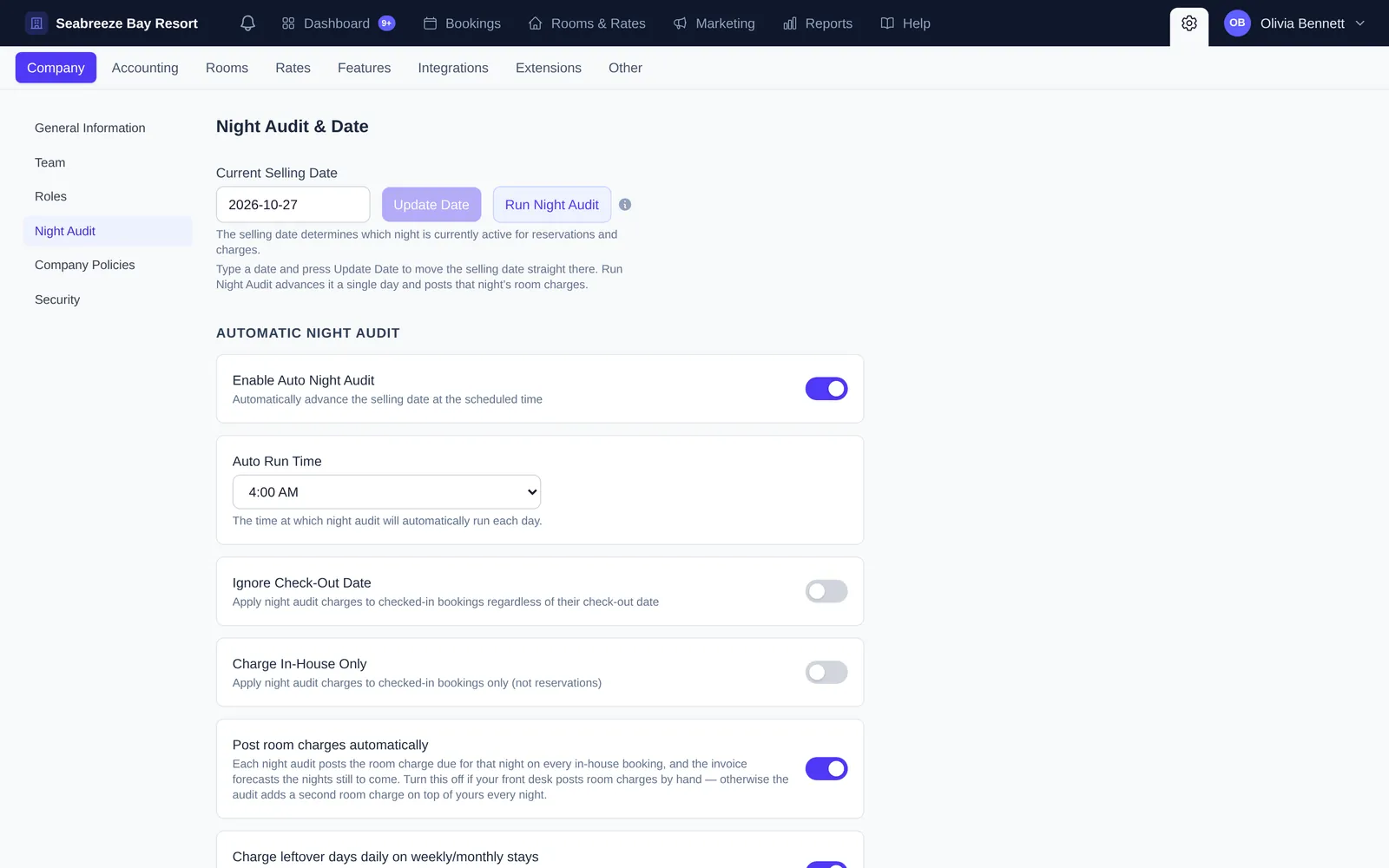 Night audit and the daily routineHow the business day works: what the night audit does, how to run it automatically, and a simple routine for every day at the front desk.
Sell online & get paid
Take card payments, sell direct on your own booking engine and website, and connect Booking.com, Expedia and Airbnb.
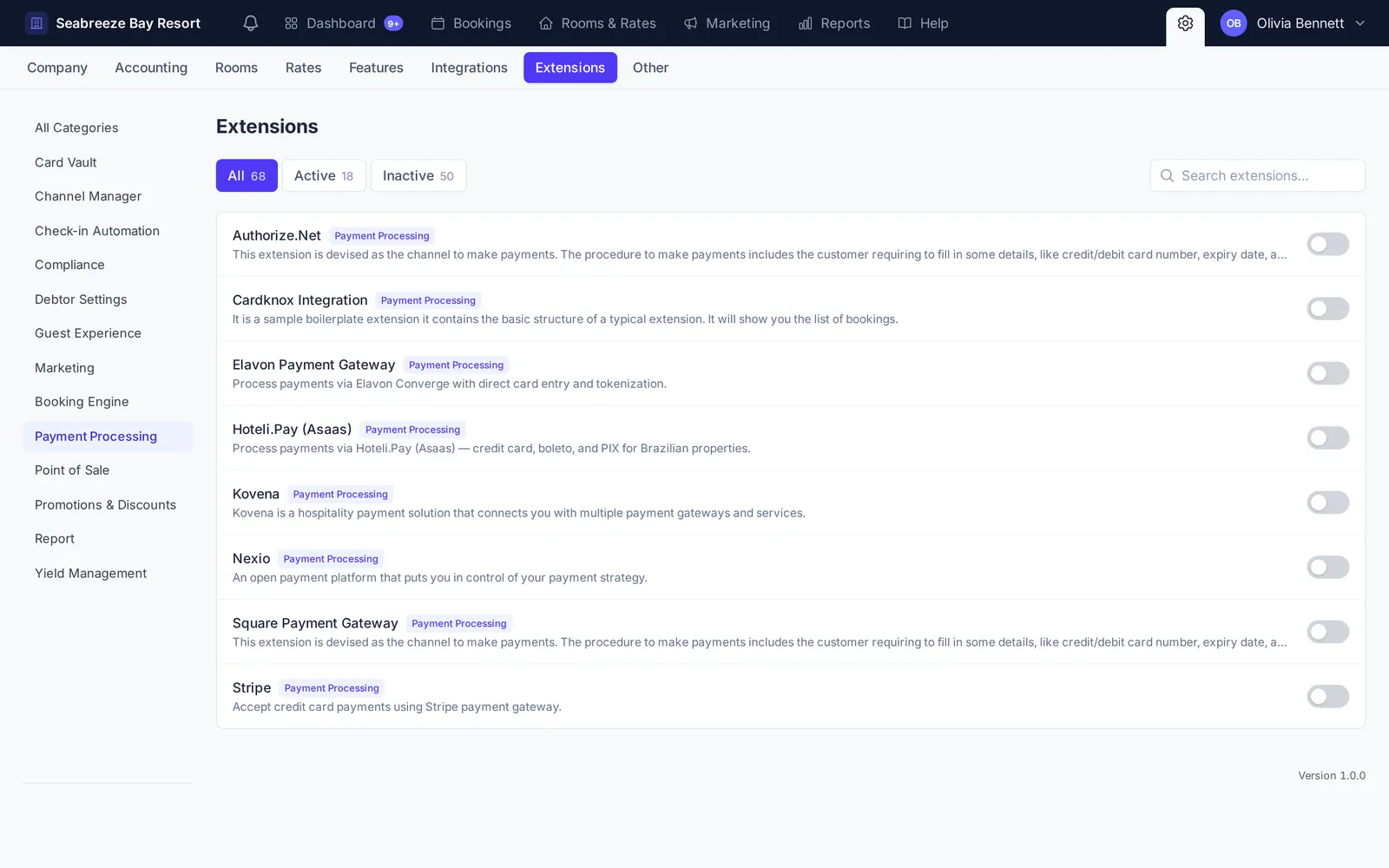 Connect a payment gatewayConnect Stripe or another gateway so you can store guest cards, charge them from the invoice, take deposits online and send payment links.
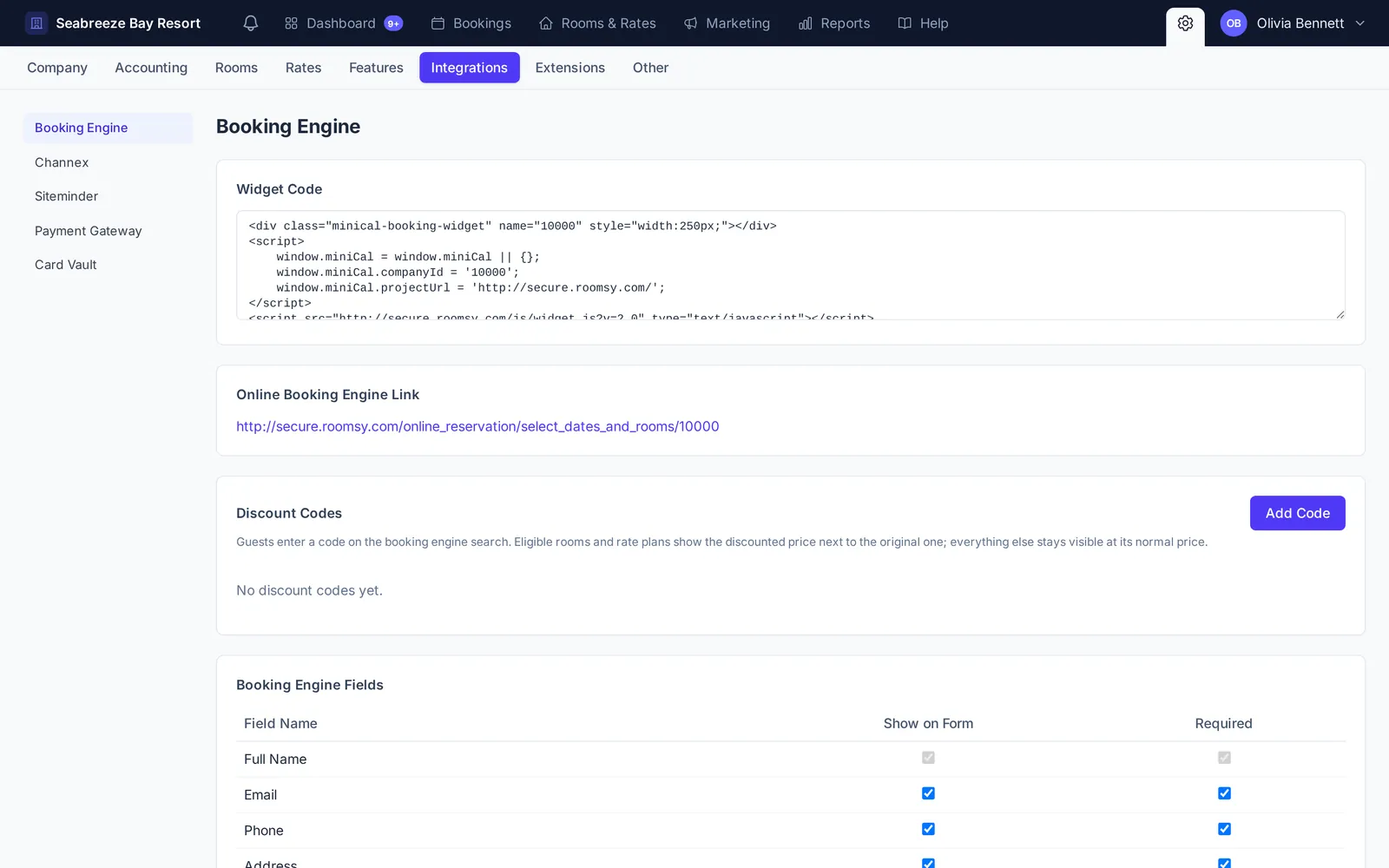 Set up the online booking engineTake commission-free direct bookings: switch on your booking engine, put it on your website, choose what guests see, and offer discount codes.
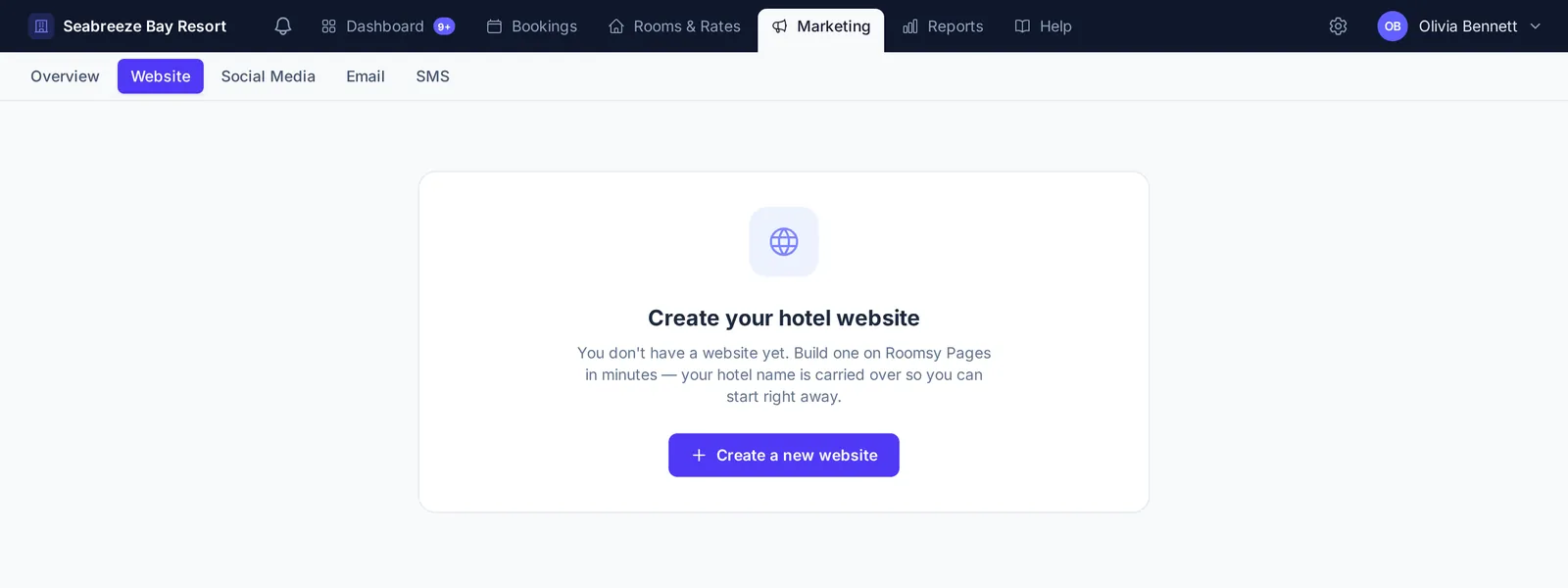 Build your hotel websiteCreate a fast, mobile-friendly hotel website with Roomsy Pages: pick a design, describe the changes you want, add photos, connect booking and publish.
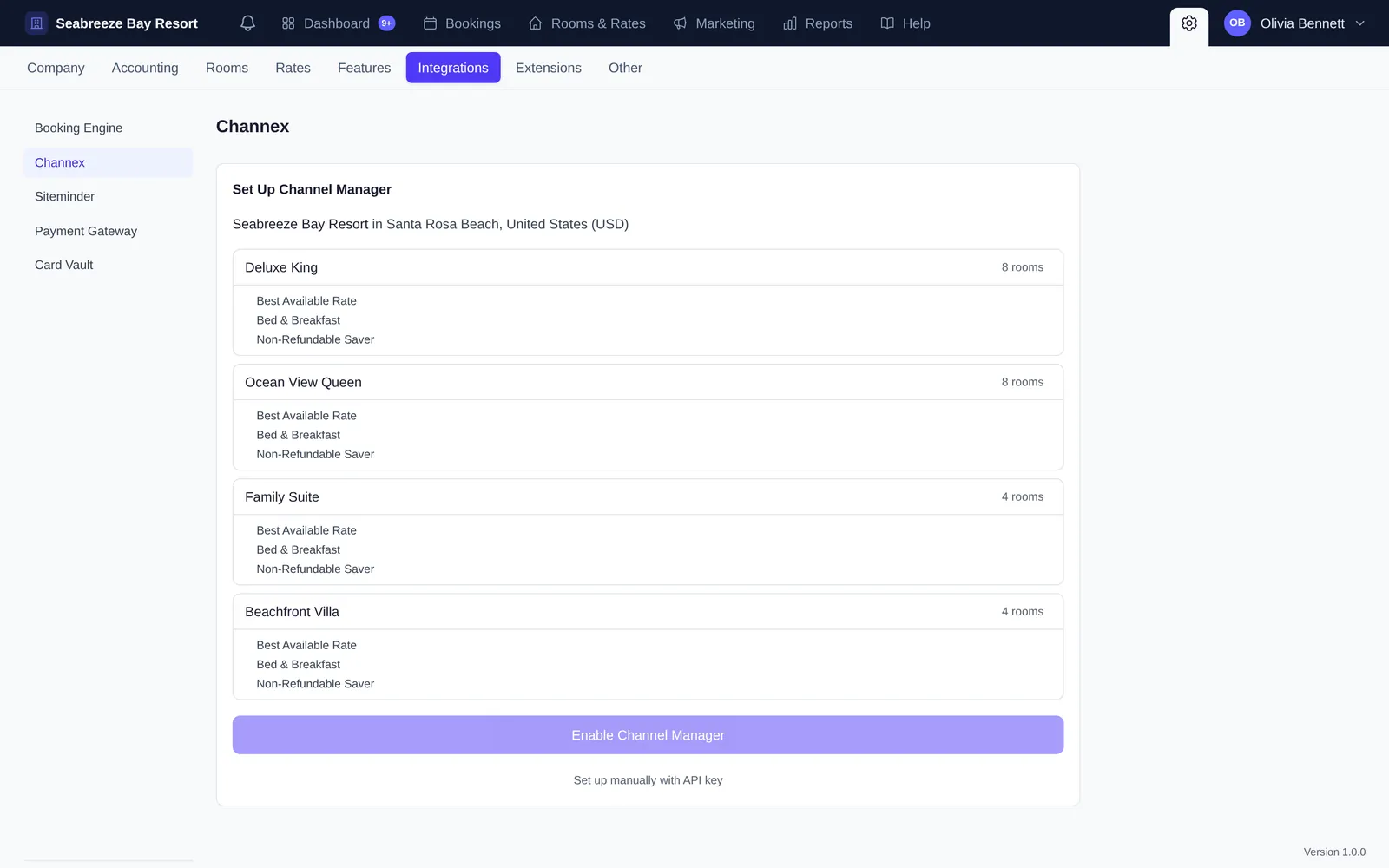 Connect OTAs with the channel managerSync availability, rates and bookings with Booking.com, Expedia, Airbnb, Agoda and more, so you never double-book and only ever update prices in one place.
Grow & fine-tune
Reports, revenue management, automated emails, extensions and moving data in and out.
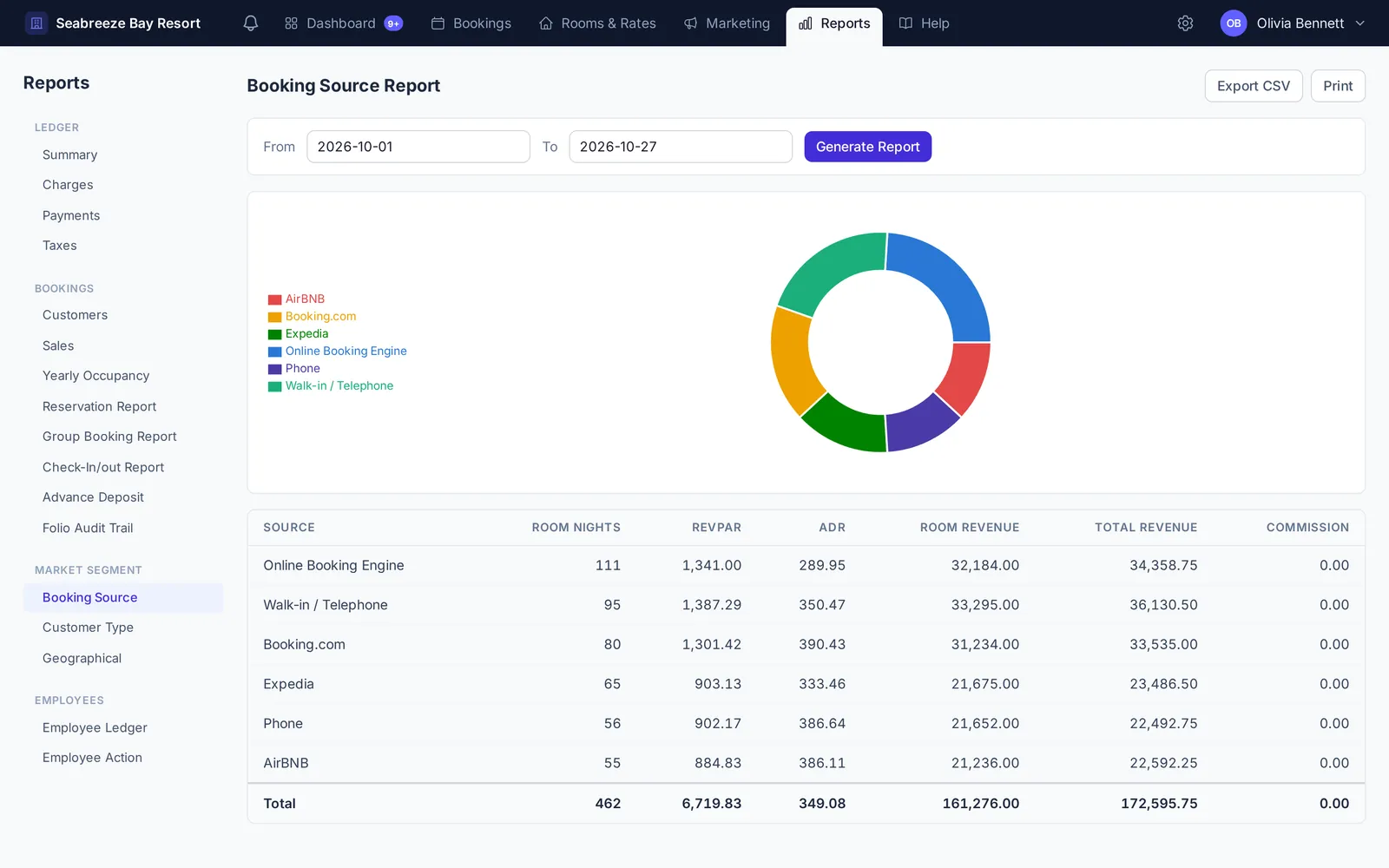 ReportsFind the right report for revenue, payments, taxes, occupancy, booking sources and staff activity, and export any of them to CSV.
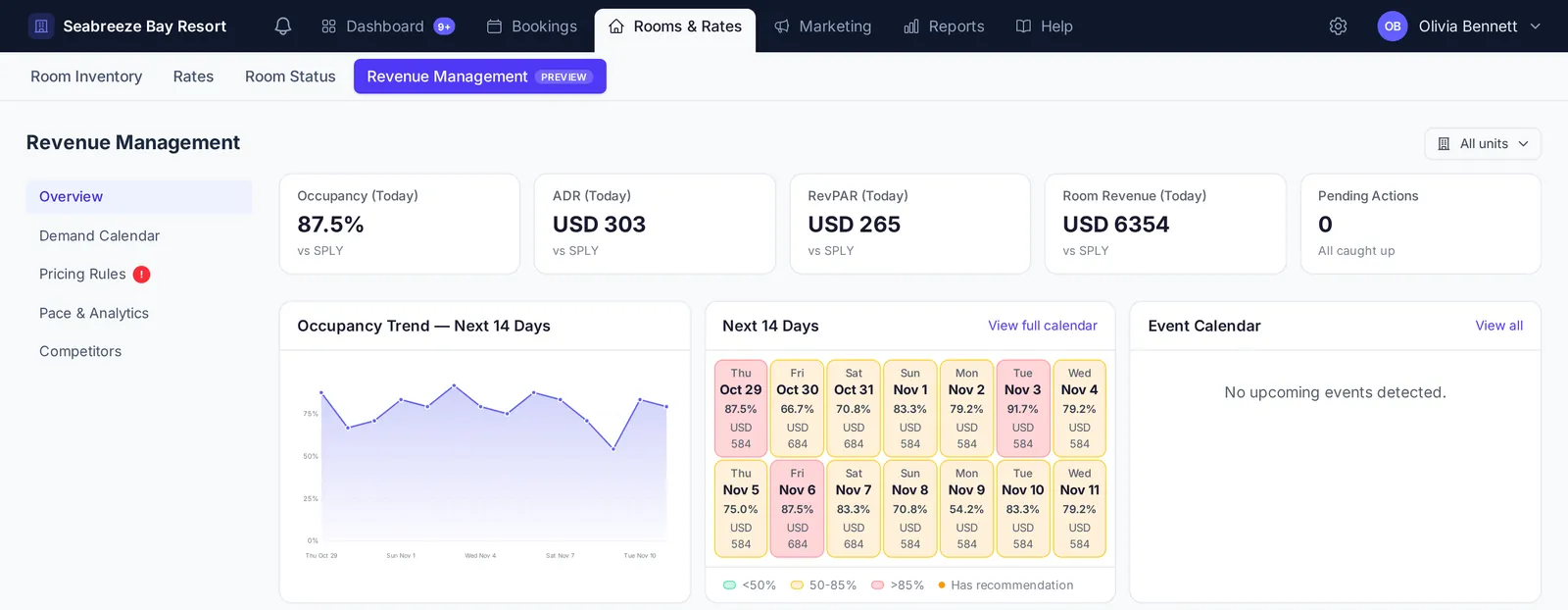 Revenue managementRead occupancy, ADR and RevPAR at a glance, spot soft and busy dates ahead, and turn pricing rules into rate recommendations you can accept in one click.
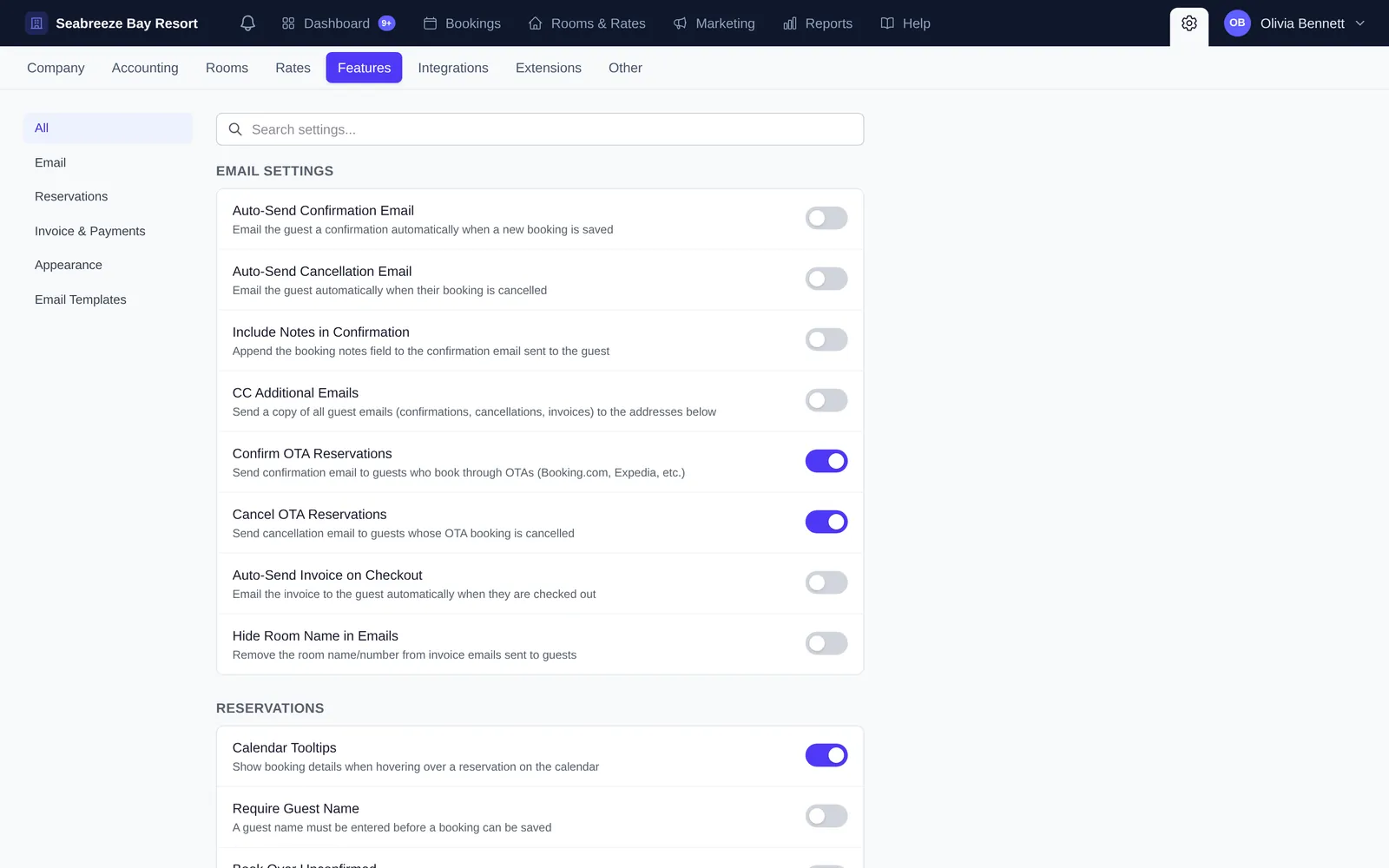 Features, emails and extensionsTurn on automatic guest emails, customise the confirmation email, change how the calendar looks, and add capabilities with extensions.
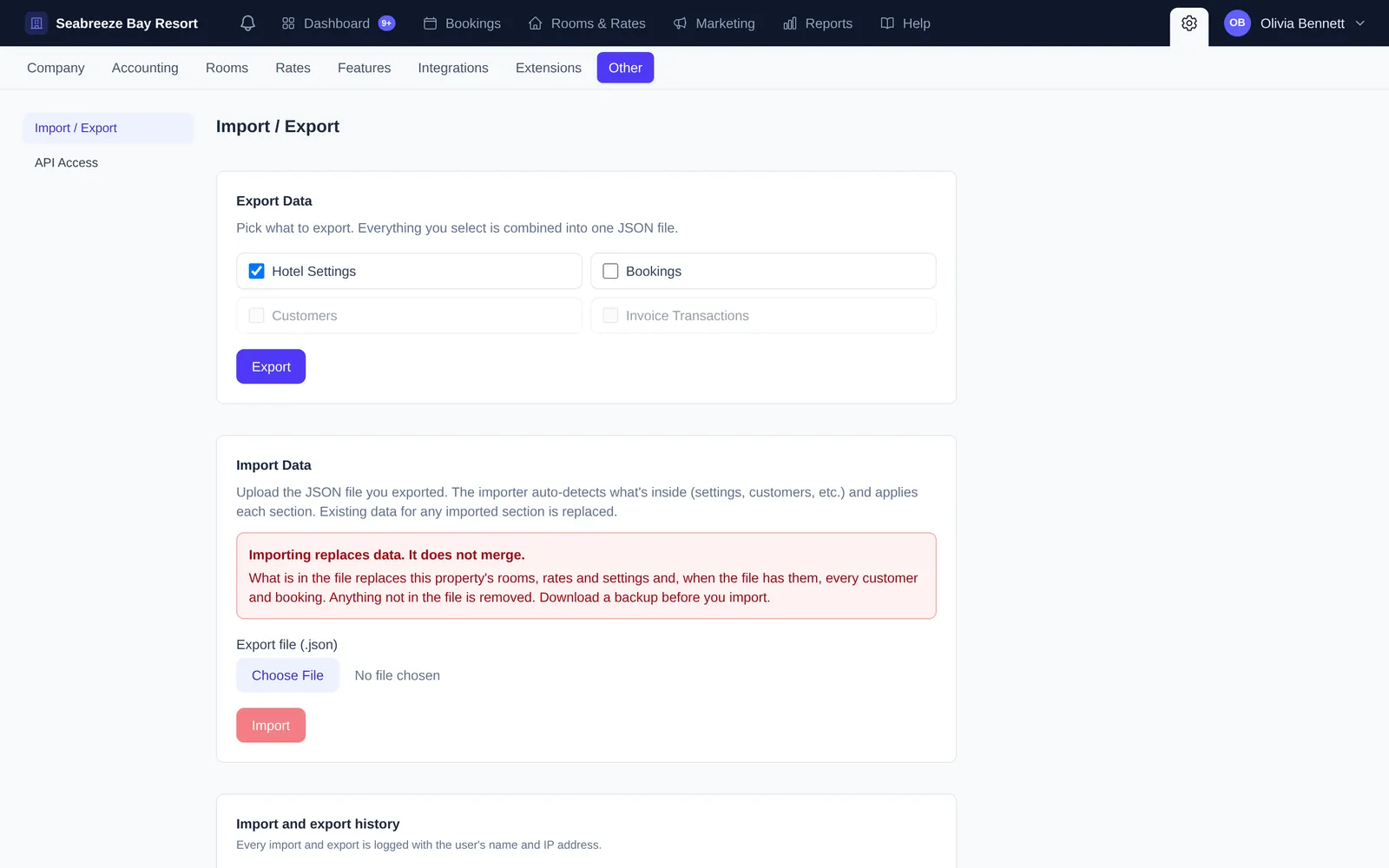 Import, export and API accessBack up or move your property’s data with a single export file, and connect other software with your API key.
Reference
Hotel terms explained in plain English, and quick fixes for the problems we hear about most.
Still stuck?
Our support team answers every message. Inside Roomsy, open Help → Support Request, or email us.